





Image to Video
Animate static photos, illustrations, or portraits into smooth, realistic AI-driven motion videos in seconds.
Experience the ultimate text-to-video creative control. Use our multi-model engine to generate, edit, and export flawless AI videos with zero manual effort.
No complex video editing skills required. Direct your camera, write your script, and let our multi-model AI do the heavy lifting.
Discover how creators, marketers, and professionals use Vidmor AI to turn text prompts into high-quality videos for content, marketing, social media, and more.
Turn ideas into engaging short-form videos for TikTok, Instagram, YouTube, and other social platforms. With Text to Video, simply describe the scene, characters, actions, and visual style to create content quickly.
Vidmor AI brings leading AI video models together in one workflow, giving you the flexibility to choose the right model for cinematic videos, animation, motion control, and more.
From text-to-video generation and animation to creative controls and video editing, Vidmor AI gives you everything you need to create videos in one place.
Animate static photos, illustrations, or portraits into smooth, realistic AI-driven motion videos in seconds.
Extend your video's duration or expand its canvas borders seamlessly with intelligent temporal outpainting.
Modify elements, replace backgrounds, and swap characters in your video using simple natural language text prompts.
Upscale video resolution, denoise, and restore blurry details instantly with advanced AI super-resolution algorithms.
It makes it much easier to visualize ideas that would normally be difficult or expensive to produce. I can experiment without worrying about production costs.
Michael T.
I've tried a few AI video generators, and this one gives me some of the most consistent results. Great quality for quick creative projects.
Sophia M.
I run a small online store and use it to create product videos and lifestyle scenes. It's been incredibly useful for making my products more visually engaging.
Alex M.
The prompt-based workflow is so simple. Describe the idea, generate the video, and make adjustments until it feels right.
Emma D.
Great for creating content on a tight schedule. I can go from a simple prompt to a finished visual in a fraction of the usual time.
Isabella M.
Really impressed with the video quality. The results look polished even when I start with a pretty simple prompt.
Maya T.
The best part is being able to create things that don't exist in the real world. If I can describe the idea, I can usually find a way to visualize it.
Jack H.
This has saved me a huge amount of time. I can turn an idea into a usable video much faster than doing everything manually.
Ava M.
I create content for YouTube and use it for B-roll, intros, and visual storytelling. It's become a really useful part of my content workflow.
Leo R.
Very easy to get started. I can simply describe the video I want instead of learning complicated editing software.
Olivia C.
I love experimenting with different prompts. Changing the character, setting, or visual style can completely change the result.
Chloe B.
The videos look much better than I expected from a text prompt. The details, movement, and overall style are surprisingly good.
Daniel R.
I use it for social media content and short ads. It makes testing different creative ideas much easier without having to organize a new shoot every time.
Lily C.
I use it whenever I need to test a video concept quickly. Instead of spending hours on one idea, I can generate several versions and compare them.
Noah W.
What surprised me most is how well it turns a written description into an actual visual scene. It feels much closer to what I had in mind.
Ethan P.
As a filmmaker, I use it to visualize scenes before production. Being able to see different characters, environments, and camera ideas helps a lot during pre-production.
Sophie J.
I don't have any real video editing experience, but I was able to create my first video within minutes. The whole process is very straightforward.
James W.
I've used prompts for everything from cinematic scenes to fantasy characters and product concepts. There are so many creative directions to explore.
Grace S.
Finally an AI video tool that doesn't feel overwhelming. I can start with a basic idea and gradually add more details to the prompt.
Lucas A.
As a marketer, speed matters a lot to me. Being able to generate different video concepts from text makes my workflow much more efficient.
Ryan K.
An intuitive, all-in-one platform to convert text or images into high-quality videos in seconds. Perfect for creators and marketers to produce viral social clips (TikTok, Reels) and high-converting ads instantly.
Yes, absolutely! Any video generated under our active subscription plans is 100% yours. You hold full commercial rights for ads, social media, client projects, and monetization with zero royalty worries.
Yes, we offer a free trial with free starting credits—no credit card required. Standard renders consume credits (clearly displayed on your panel). You can top up or upgrade anytime for more credits and faster rendering.
Yes! We offer built-in AI editing tools so you can upscale video quality, remove backgrounds, and swap faces directly in your workspace—no third-party editing software required.
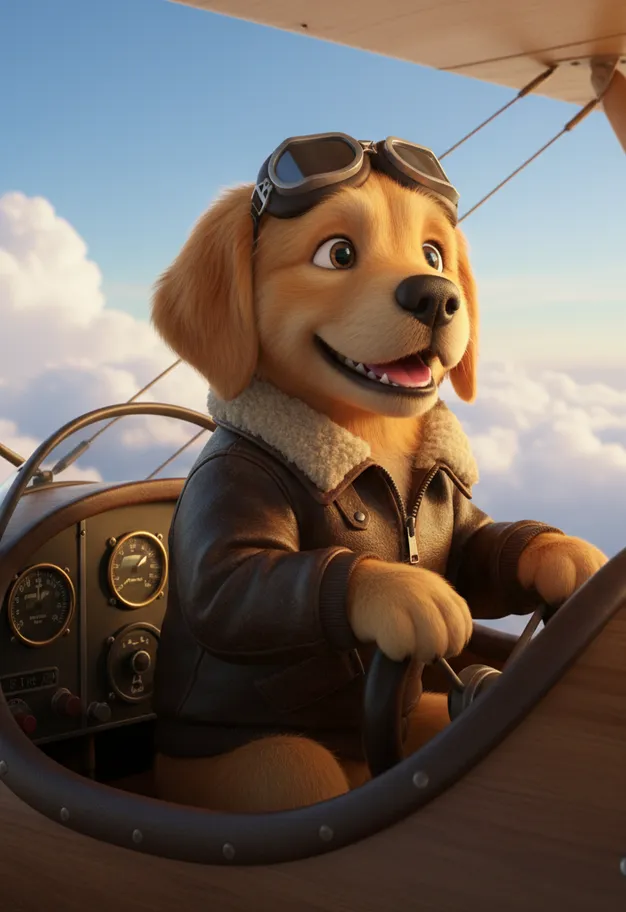 Cute Pet
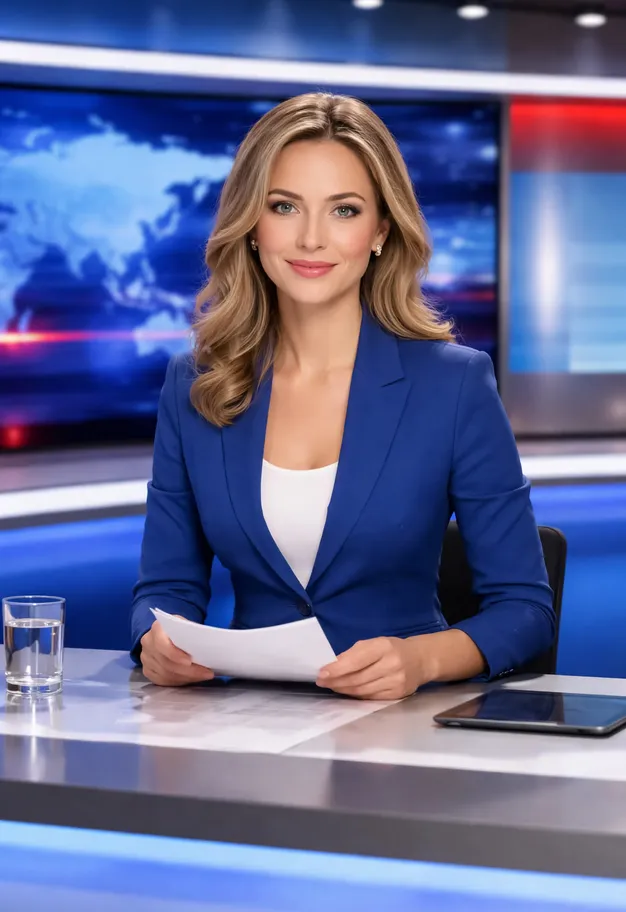 Breaking News
 Brand Film
 Baseball Experience
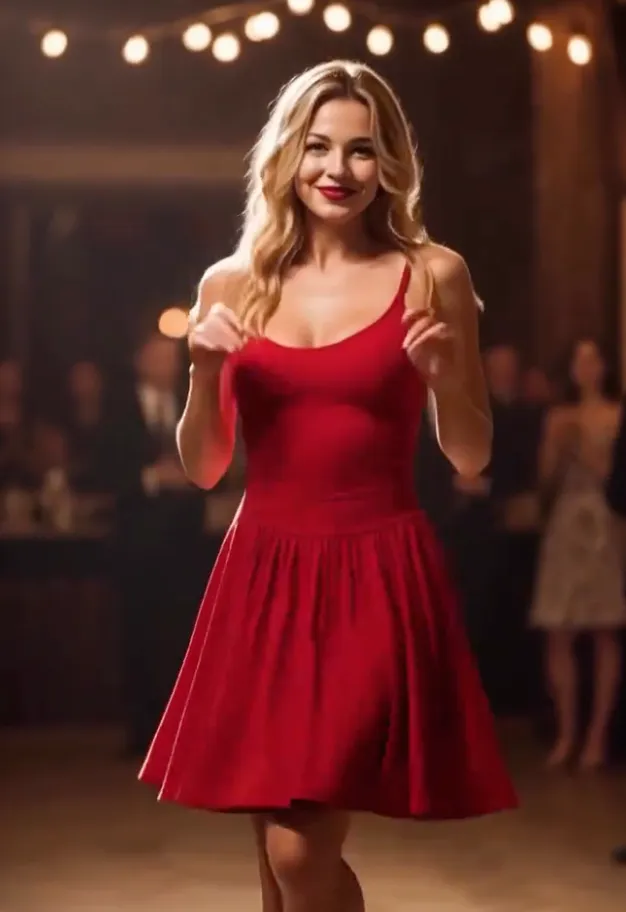 AI Dance Video
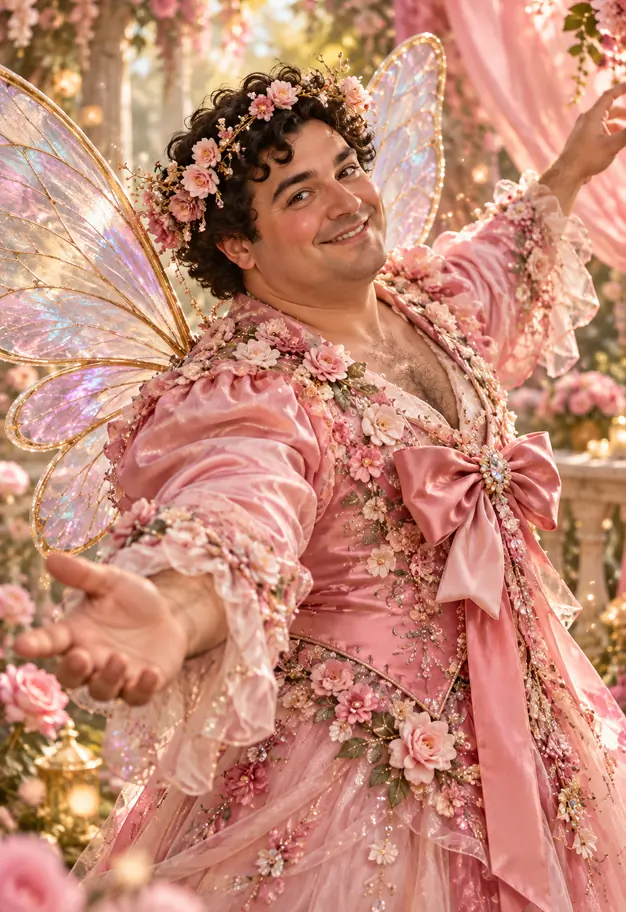 Style Conversion
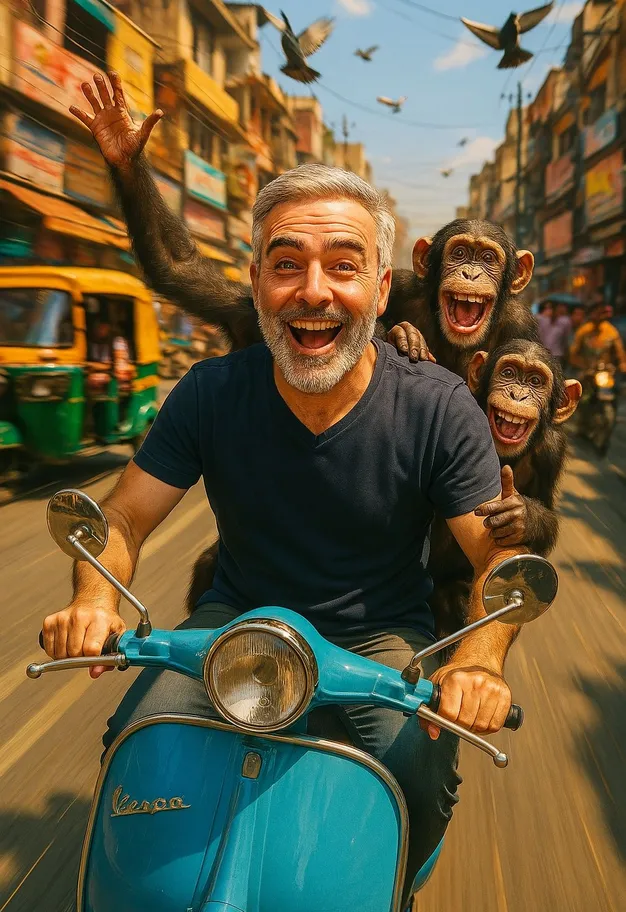 Hilarious Clip
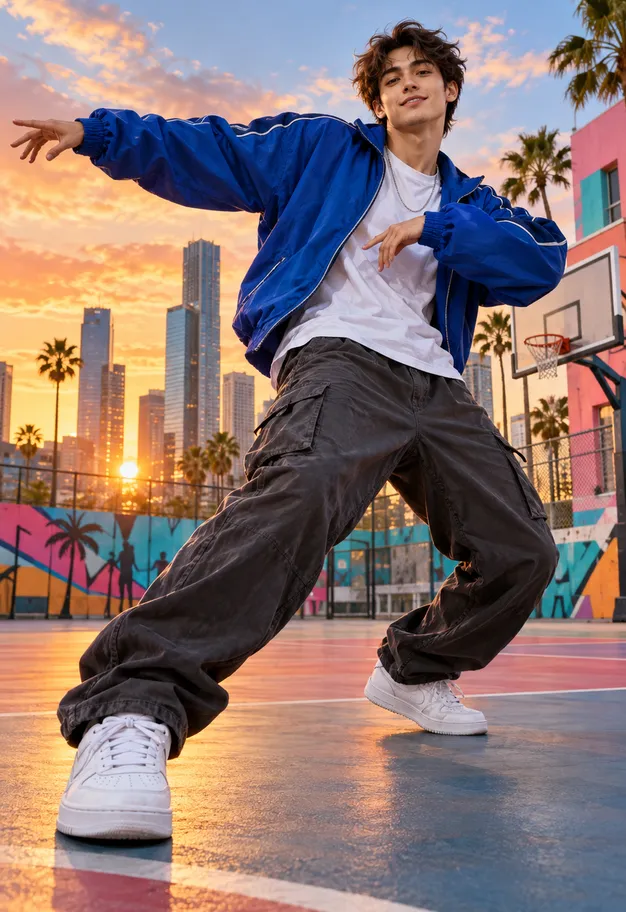 Tiktok Dances
Join thousands of creators using Vidmor to generate stunning images, videos, and more - all in one platform.