

Length
Up to 30 seconds in a single pass
Pick any duration from 2 to 30 seconds and get one continuous generation. Shot changes and pacing shifts arrive already assembled, with nothing to stitch.
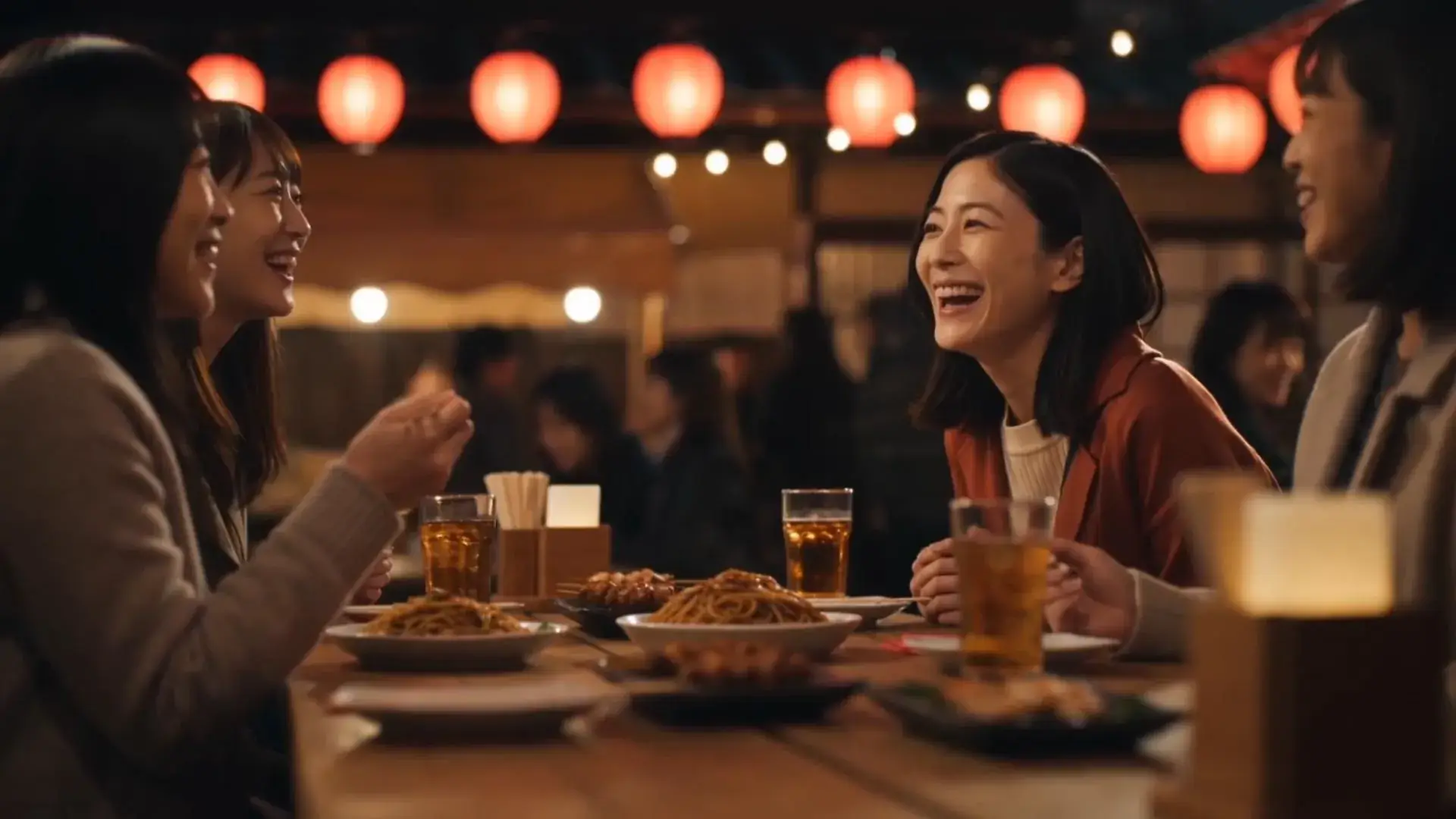
Wan 3.0 AI video model produces 1080p clips with audio up to 30 seconds long, takes up to 20 multi-modal references, and holds the same character across separate videos. Start creating with Wan 3.0 on Vidmor!
Length
Pick any duration from 2 to 30 seconds and get one continuous generation. Shot changes and pacing shifts arrive already assembled, with nothing to stitch.
Inputs
Guide a generation with up to 10 images, 5 video clips and 5 audio tracks alongside your prompt, and the output follows them.
Audio
Dialogue, ambience and effects are generated in the same pass as the picture, synchronized from the first frame.
Motion
Improved rendering of real-world movement and physics, so water, fabric and fast action read the way a camera would catch them.
STEP 01
Begin with a prompt on its own, an image to animate, or a set of references across image, video and audio.
STEP 02
Choose an aspect ratio, a resolution up to 1080p and any duration between 2 and 30 seconds, with audio on or off.
STEP 03
Your clip comes back with picture and sound together, ready to download or drop into a workflow.
Give Wan 3.0 an image and a prompt, and turn a single frame into a dynamic video. Guide the motion, camera, and scene to bring your image to life.
Describe the scene, the camera and even the soundtrack, and Wan 3.0 builds the shot from words alone.
Wan 3.0 is Alibaba's flagship video generation model, available on Vidmor. It produces video with native audio from 5 to 30 seconds in one pass, working from a text prompt, a starting image or a set of image, video and audio references.
Vidmor lets you use Wan 3.0 for both text-to-video and image-to-video generation. Select Wan 3.0, enter a prompt or upload an image, and generate your video in one workflow.
Wan 3.0 takes up to 20 multi-modal references in one video: 10 images, 5 video clips, and 5 audio clips. A single image can instead be pinned as the exact first frame, with an optional last frame. Keyframes and references are separate modes, so pass unpositioned reference images when you want to mix stills with clips or audio.
Yes. Sound is generated natively alongside the picture in the same pass, so speech, ambience and effects arrive synchronized. You can also switch audio off before generating.
Any duration from 2 to 30 seconds, at 480p, 720p or 1080p. Longer clips and higher resolutions use more credits.
Wan 3.0 has rolled out to all Vidmor users in tool mode and workflows, with generations billed in credits based on resolution and length.
Alongside Wan 3.0, Vidmor brings Kling 3.0, Google Veo 3.1 Fast, PixVerse V6, Grok, Seedance 2.5, MiniMax, and HappyHorse 1.0 together in one creative platform.
Bring your AI creation workflow together with powerful tools for generating, editing, and transforming content.